

Home / TV Wall Mount Set Up
A good TV wall mount set up is not just the moment the screen goes on the wall. It includes the mount, wall support, TV height, outlet location, cable path, device placement, viewing angle, and final testing after everything is connected.
That planning matters because a wall-mounted TV can look clean and feel easy to use, or it can end up too high, off center, hard to plug in, unsafe for the wall, or surrounded by visible wires. If you want help reviewing the setup before installation, Artesoft provides professional TV mounting service across Virginia, Maryland, and Washington, DC.
Need help with a clean TV wall mount setup?
Artesoft can help with TV placement, mount selection, wall-surface planning, wire concealment, device setup, and finished installation.View TV Mounting Service
In this guide
- What a complete TV wall mount setup includes
- Before you start
- Choose the right mount
- Confirm wall support
- Set height and placement
- Plan power, HDMI, and wire concealment
- TV wall mount setup steps
- Final setup checklist
- When to hire a professional
- FAQ
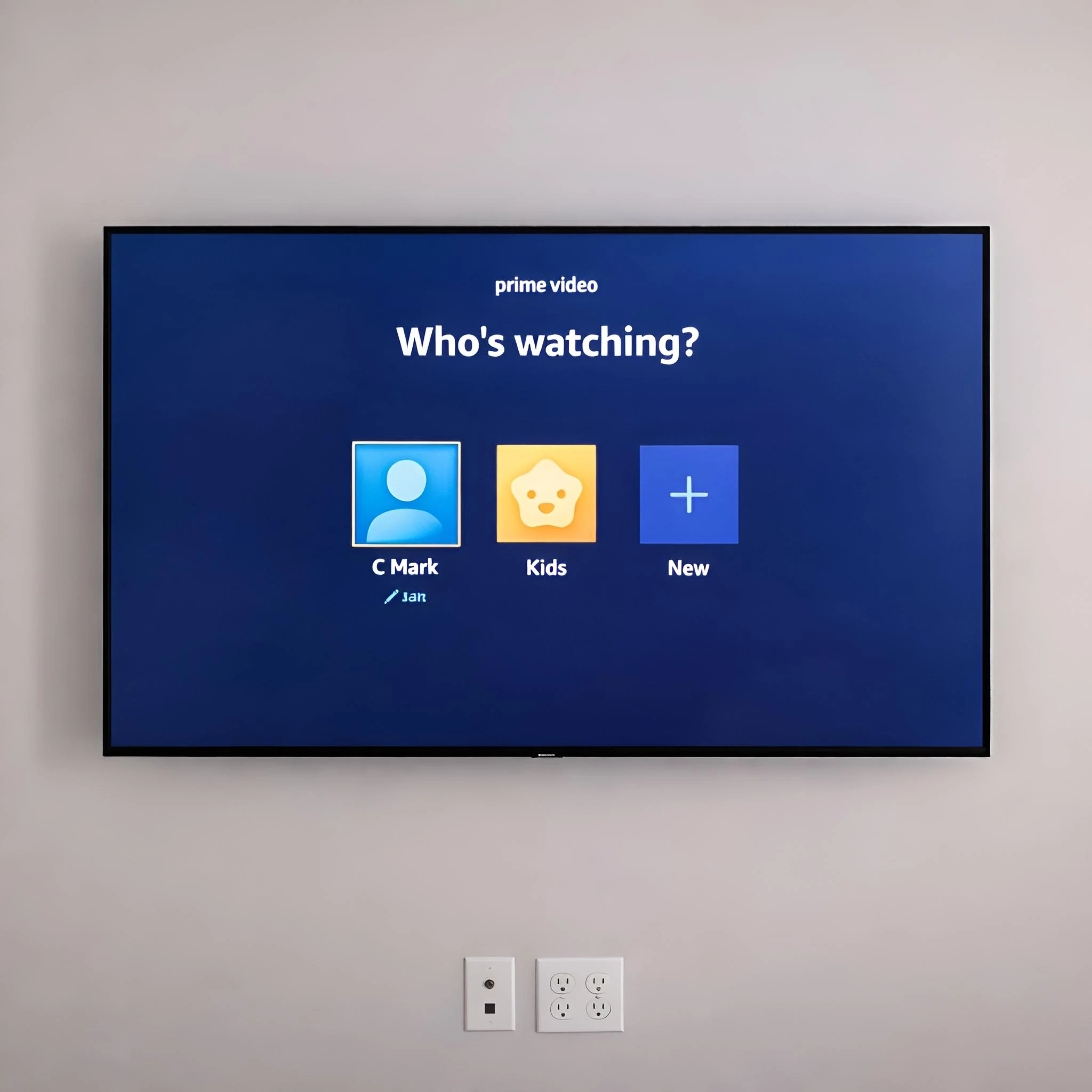
What A Complete TV Wall Mount Setup Includes
A complete TV wall mount setup includes more than the wall bracket. The mount needs to fit the TV, the wall needs to support the load, the screen needs to sit at a comfortable height, and the cables need a planned path.
For most homes and businesses, the setup includes:
- TV size and weight review
- VESA pattern check
- Fixed, tilt, full-motion, pull-down, or specialty mount selection
- Wall type review
- Stud or structural support verification
- TV height and centerline planning
- Power outlet and HDMI access planning
- Device, soundbar, streaming box, or console placement
- Wire concealment or cable cover planning
- Final level, stability, and connection testing
The goal is to avoid treating the TV mount as an isolated piece of hardware. The best setup is planned around how the room will actually be used.
Before You Start
Before opening the mount box or marking the wall, confirm the basic details. This helps prevent common problems like buying the wrong mount, placing the TV too high, blocking HDMI ports, or drilling into the wrong part of the wall.
Before You Start Checklist
- Confirm the TV size and weight
- Check the VESA pattern on the back of the TV
- Confirm the mount supports the TV size, weight, and VESA pattern
- Decide whether the screen should sit fixed, tilt, swivel, or pull down
- Identify the wall type
- Locate studs or other structural support
- Measure the TV width and height
- Decide the ideal screen centerline
- Check where the outlet is now
- Decide where HDMI cables, soundbar cables, and devices will go
- Confirm whether wires should be hidden
- Make sure two people are available for lifting larger TVs
If the wall is masonry, tile, stone, plaster, metal stud, or a fireplace surface, pause before drilling. Those surfaces often need different fasteners, bits, and planning than standard drywall over wood studs.
Choose The Right Mount
The mount controls the look, viewing angle, and cable access after installation.
Fixed Mount
A fixed mount keeps the TV close to the wall. It is a good choice when the seating position is directly in front of the screen and the outlet or cable path is already planned. The tradeoff is limited access behind the TV after installation.
Tilt Mount
A tilt mount lets the TV angle slightly downward. This can help when the TV needs to sit above normal eye level, such as in a bedroom or above lower furniture. Tilt mounts can also provide slightly better cable access than very low-profile fixed mounts.
Full-Motion Mount
A full-motion mount can extend, swivel, and angle toward different seating positions. It works well for corners, open rooms, kitchens, offices, and rooms where the viewing angle changes. Because the arm can pull away from the wall, the wall support needs to be planned carefully.
Pull-Down Or Specialty Mount
A pull-down mount can help with some fireplace installations, but it requires careful planning around mantel depth, heat, height, wall material, and cable routing. If the TV is going above a fireplace, review Artesoft’s TV over fireplace installation service before choosing hardware.
Samsung Frame TVs, ceiling mounts, and commercial displays can also require specialty setup. For example, a Samsung Frame TV installation often needs One Connect Box placement and a cleaner wire path than a typical TV.
Confirm Wall Support
The wall determines how the mount should be fastened. A TV wall mount setup on drywall with wood studs is different from one on brick, concrete, stone, tile, plaster, or metal studs.
For many drywall installations, the mount should be secured into studs or verified structural support. Drywall alone is not enough for many TVs, especially large screens or full-motion mounts.
For masonry or tile, the right bit and anchor matter. These surfaces can be strong, but a poor hole location or wrong fastener can leave cracked tile, damaged stone, or a mount that does not sit correctly.
Before drilling, confirm:
- Wall material
- Stud or structural support location
- Mount hole spacing
- Fastener type
- Whether electrical, plumbing, or low-voltage lines may be behind the wall
- Whether the mount will sit level and centered on the planned TV location
Set Height And Placement
The best TV height depends on the room, TV size, seating distance, and furniture. For many living rooms, the center of the screen should be close to seated eye level. Bedrooms, fireplaces, standing viewing areas, and commercial rooms may need different placement.
If you are unsure, use painter’s tape to mark the TV outline on the wall. Sit in the normal viewing position and check whether the center of the screen feels natural. Also check whether the screen will clear consoles, soundbars, mantels, windows, doors, or built-ins.
For more detailed height planning, see Artesoft’s guide on how high to mount a TV.
Plan Power, HDMI, And Wire Concealment
Cable planning should happen before the TV is mounted. Once the screen is on the wall, low-profile mounts and large screens can make it harder to reach inputs or change the cable path.
Think through:
- Where the TV will get power
- Whether an outlet is needed behind the TV
- How HDMI cables will reach devices
- Whether a soundbar will be mounted below the TV
- Where streaming devices, cable boxes, game consoles, or media boxes will sit
- Whether cables should be hidden in the wall or covered externally
- Whether the mount will block ports
Power cords should not simply be hidden inside the wall unless the setup uses code-appropriate materials and methods. Low-voltage HDMI routing and power wiring are not handled the same way.
If a clean finished look is important, review wire concealment before installation. It is easier to plan the cable path before the TV blocks the wall.
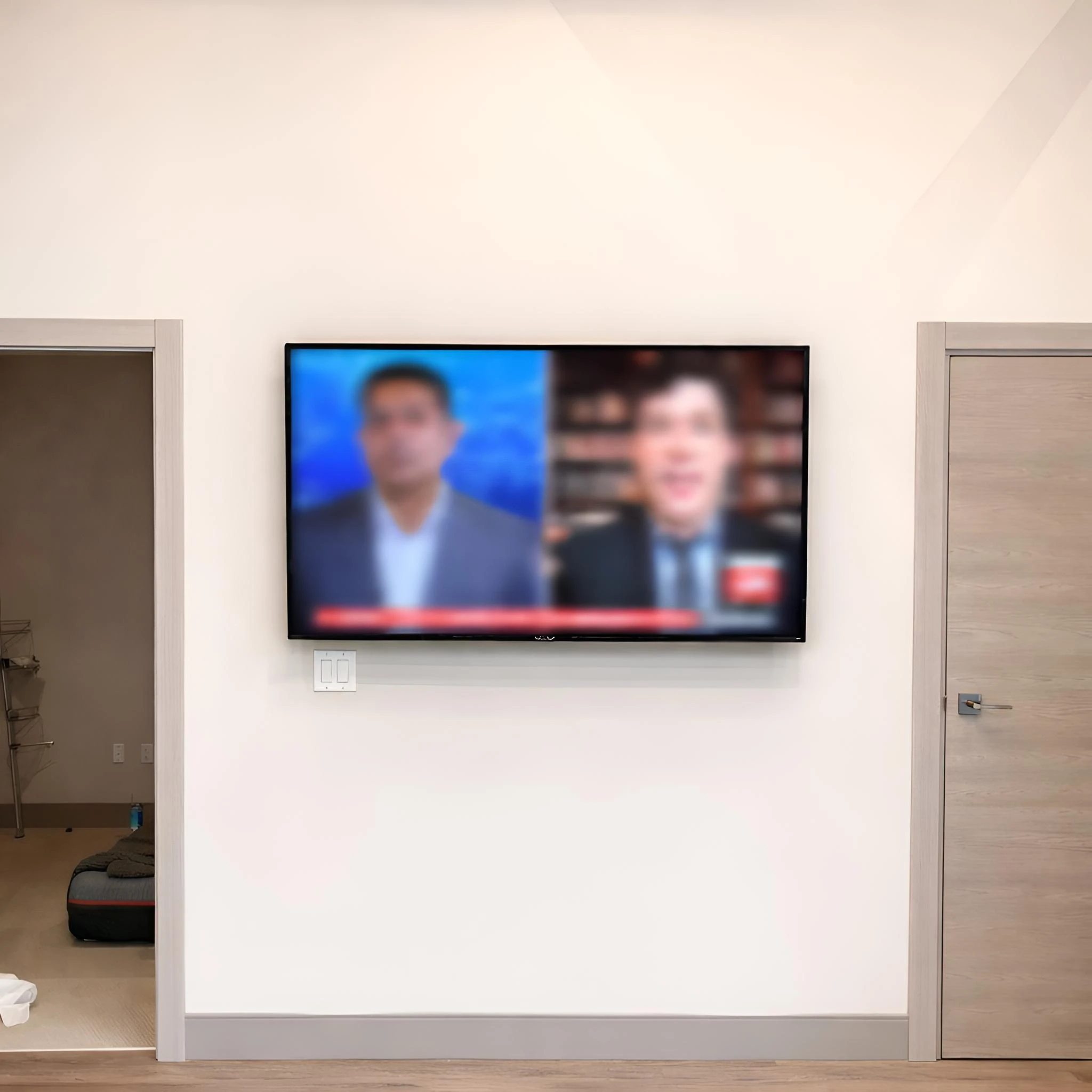
TV Wall Mount Setup Steps
Every mount has its own instructions, but the setup process usually follows this sequence.
1. Confirm The TV And Mount Match
Check the TV weight, screen size range, VESA pattern, screw size, spacer requirements, and mount limits. Do not force screws that are too long or too short into the back of the TV.
2. Mark The Finished TV Location
Mark the desired screen outline first. Then measure the bracket hook position on the back of the TV so the wall plate is installed where the screen actually needs to hang.
3. Locate And Verify Support
Find the studs or structural support and confirm that the mount holes align with the support plan. Do not rely on one quick stud finder pass for a heavy or full-motion installation.
4. Drill And Attach The Wall Plate
Use drill bits and fasteners that match the wall material and mount instructions. Check level before drilling and again before final tightening.
5. Attach Brackets To The TV
Install the TV-side brackets with the correct screws, washers, and spacers. Confirm the brackets are even and do not block ports.
6. Connect Hard-To-Reach Cables
Connect HDMI, optical audio, or other cables that will be difficult to access after the TV is hung. Leave enough slack for tilt or full-motion movement when needed.
7. Lift And Lock The TV
Use two people for most medium and large TVs. Make sure the TV is fully seated on the mount and that any safety locks, screws, or pull cords are engaged.
8. Level, Connect, And Test
Check level, connect devices, test the picture and sound, verify cable movement, and review the viewing angle from the normal seats.
Final Setup Checklist
After the TV is on the wall, take a few minutes to check the finished setup before cleaning up.
Final Review Checklist
- TV is fully seated on the mount
- Safety locks or screws are engaged
- Screen is level
- Mount does not shift or flex unexpectedly
- Cables are not pinched
- HDMI devices work
- Soundbar or audio output works
- Streaming apps and remotes are tested
- Full-motion mounts move without pulling cables
- Viewing height feels comfortable from normal seats
- Wires are hidden, covered, or neatly organized
This final check catches the small details that make the difference between a TV that is merely mounted and a TV wall mount setup that feels finished.
When To Hire A Professional
DIY may be reasonable for a smaller TV, a basic fixed or tilt mount, clear wood studs, and simple cable access. A professional is worth considering when the setup has more risk, more weight, or more finish-detail requirements.
Consider hiring a professional if:
- The TV is large or heavy
- The wall is brick, concrete, tile, stone, plaster, or metal stud
- The TV is going above a fireplace
- You want hidden wires or a cleaner cable plan
- You are using a full-motion or pull-down mount
- The stud layout does not match the desired TV placement
- The TV is expensive or difficult to replace
- You need a soundbar, device, or media box setup
- The project is for a business, office, school, restaurant, or shared space
Artesoft can help review the mount, wall surface, cable path, and finished room layout before installation. You can also compare planning factors in the cost to mount a TV guide.
Want the setup reviewed before drilling?
Artesoft can help with wall mounting, wire concealment, fireplace setups, Samsung Frame TVs, soundbars, and commercial displays.Request TV Mounting Service
TV Wall Mount Set Up FAQ
What does a TV wall mount setup include?
A complete setup includes the mount, TV brackets, wall support, fasteners, TV height, power access, HDMI routing, device placement, wire concealment, and final testing.
What should I do before mounting a TV?
Confirm the TV size, weight, VESA pattern, mount compatibility, wall type, stud location, viewing height, outlet location, and cable path before drilling.
Can I set up a TV wall mount myself?
Some simple drywall installations are manageable for DIY. Hire a professional if the TV is large, the wall is difficult, the mount is full-motion, wires need to be hidden, or the setup goes above a fireplace.
How high should a wall-mounted TV be?
For many living rooms, the center of the TV should be near seated eye level. Bedrooms, fireplaces, and commercial spaces may need different height planning.
Should I hide wires before or after mounting the TV?
Plan wire concealment before mounting the TV. Cable paths, outlet placement, and HDMI access are easier to solve before the screen blocks the wall.
What type of mount is best for a clean setup?
A fixed mount usually gives the lowest-profile look. A tilt mount helps with higher placements, while a full-motion mount is better when the TV needs to swivel or extend.
Final Thoughts
A clean TV wall mount set up starts with planning. Confirm the mount, wall type, support, viewing height, outlet location, cable path, and device setup before drilling. The more details you solve up front, the cleaner and safer the final installation will be.
If you want a secure, level, and finished-looking setup, Artesoft provides TV mounting service across Virginia, Maryland, and Washington, DC.
Ready to plan your TV wall mount setup?
Share your TV size, wall type, mount details, and wire concealment goals so Artesoft can help review the project.Get TV Mounting Service