

Home / Mount TV Guide
Mounting a TV can make a room look cleaner, save floor space, and create a better viewing experience. But a good TV wall mount installation is more than putting screws into the wall. You need to confirm the TV weight, mount type, wall structure, viewing height, power location, cable path, and whether the wall can safely hold the setup.
This guide explains what to know before you mount TV screens at home or in a business. If the project involves a large TV, fireplace, brick, concrete, metal studs, wire concealment, or a premium setup, Artesoft provides professional TV mounting service across Virginia, Maryland, and Washington, DC.
Want the TV mounted without guessing?
Artesoft can help with TV placement, mount selection, wall-surface planning, wire concealment, and clean installation.View TV Mounting Service
In this guide
- Before you mount a TV
- Choose the right TV mount
- Check the wall before drilling
- Plan the viewing height
- How to mount a TV on the wall
- Wire concealment and power planning
- Common TV mounting mistakes
- When to hire a professional
- FAQ
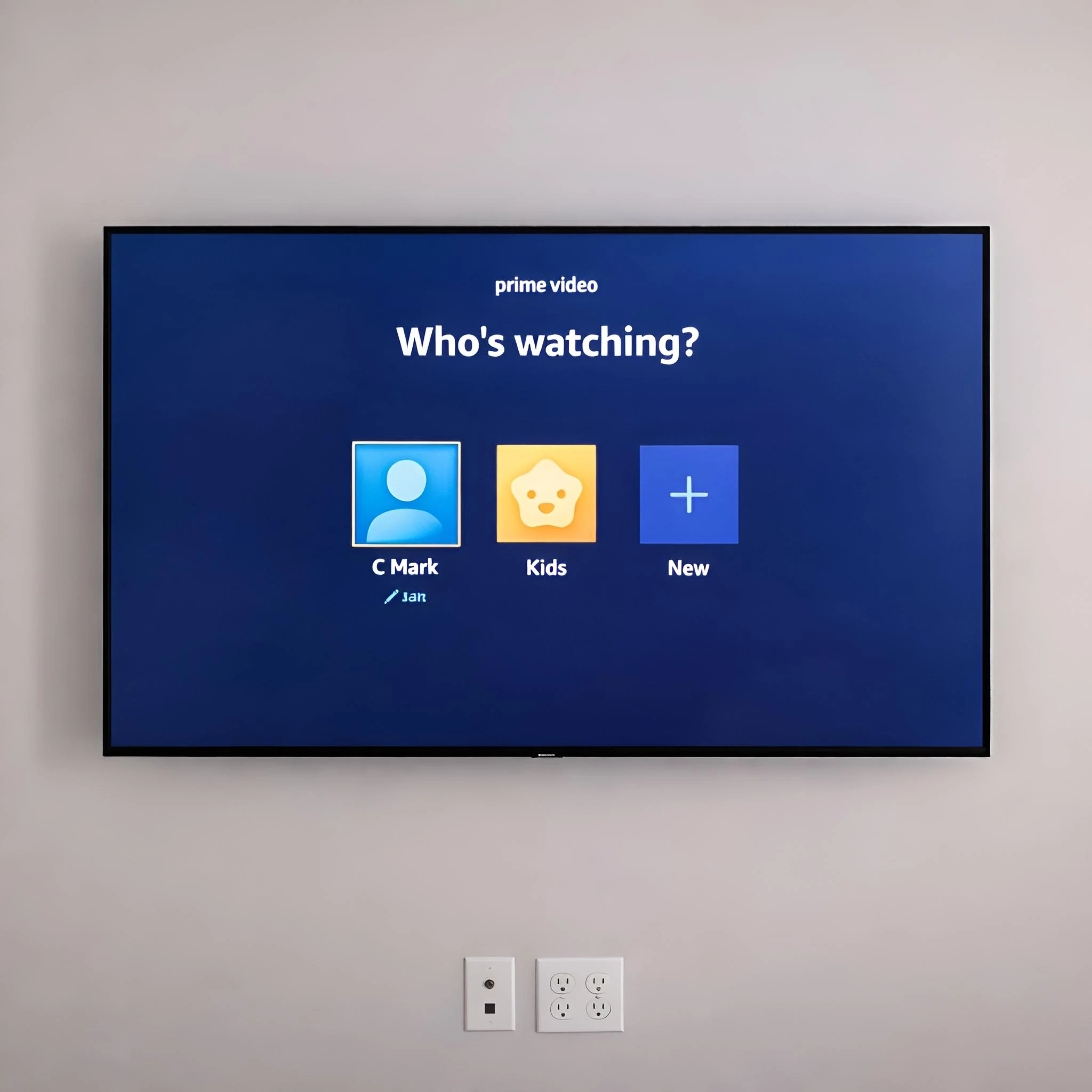
Before You Mount A TV
Before you buy hardware or mark the wall, confirm the basics. Most TV mounting problems happen because one detail was assumed instead of checked.
Before You Start Checklist
- Confirm the TV size and weight
- Check the VESA pattern on the back of the TV
- Make sure the mount supports your TV size and weight
- Decide between fixed, tilt, full-motion, pull-down, or ceiling mounting
- Identify the wall type
- Locate studs or structural support
- Check outlet location and cable routes
- Measure the viewing height from the main seating position
- Confirm the mount will not block HDMI, power, or device connections
- Have a second person ready for lifting larger TVs
If the TV is large, expensive, heavy, or going above a fireplace, the planning step matters more than the drilling step.
Choose The Right TV Mount
The right mount depends on the room, wall type, TV size, and how you want to use the screen.
Fixed Mount
A fixed mount keeps the TV close to the wall. It is clean and simple, but it gives you little or no movement after installation. This works well when the seating position is directly in front of the TV and the outlet/cables are already planned.
Tilt Mount
A tilt mount lets the TV angle slightly down. This can help when the TV is mounted higher than normal, such as in a bedroom or over lower furniture. It can also make cable access easier than a very flat fixed mount.
Full-Motion Mount
A full-motion mount can pull out, swivel, and angle toward different parts of the room. It is useful for corners, open layouts, kitchens, offices, and rooms with multiple seating areas. The wall support needs to be correct because the extended arm creates more leverage.
Pull-Down Fireplace Mount
A pull-down mount can make a TV above a fireplace more comfortable to watch. These installations need careful planning because of height, heat, mantel depth, wall material, outlet placement, and cable routing. If this is your setup, review Artesoft’s TV over fireplace installation service before deciding on a mount.
Specialty Mounts
Samsung Frame TVs, commercial displays, ceiling mounts, and masonry walls often need more planning than a standard living room TV. For example, a Samsung Frame TV installation may involve One Connect Box placement, wire path planning, and a flush finished look.
Check The Wall Before Drilling
Do not assume every wall can be treated the same way. The wall material decides what hardware, drill bit, and support method you need.
Common wall types include:
- Drywall with wood studs
- Drywall with metal studs
- Brick
- Concrete
- Stone
- Tile
- Fireplace surrounds
- Built-ins or media walls
For drywall, the safest approach is usually fastening the mount into studs or verified structural support. Drywall anchors alone are not appropriate for many TV mounting projects, especially large TVs or full-motion mounts.
For brick, concrete, tile, and stone, you need the right masonry bit, anchors, and drilling approach. These surfaces can be strong, but mistakes can crack tile, damage stone, or leave visible holes in the wrong place.
Plan The Viewing Height
TV height affects comfort. If the TV is mounted too high, people may look upward for long periods. If it is too low, furniture, soundbars, or consoles may interfere with the layout.
A practical starting point is to place the center of the screen near seated eye level. That changes depending on the room:
- Living rooms usually work best near seated eye height
- Bedrooms may need a slightly higher position
- Fireplace installations often require height and tilt planning
- Commercial displays may need visibility from standing areas
- Offices and conference rooms may need viewing from multiple seats
Before drilling, sit where you normally watch and use painter’s tape to outline the TV on the wall. This gives you a quick visual check before the mount is installed.
How To Mount A TV On The Wall
Every mount has its own instructions, but the basic process usually follows these steps.
1. Read The TV And Mount Manuals
Check the TV weight, VESA pattern, compatible screws, spacer requirements, and mount limits. Do not use random screws if the included hardware does not fit.
2. Locate And Verify The Support
Use a stud finder, small test marks, or another verification method to confirm where the studs or structural support are. The mount should be level and properly anchored.
3. Mark The Mounting Height
Measure the TV height, bracket position, and final screen location. Do not mark only where the bracket goes. Confirm where the actual TV will sit after it hooks onto the mount.
4. Drill Pilot Holes
Use the right drill bit for the wall material and fasteners. Pilot holes help reduce splitting in wood studs and improve accuracy.
5. Attach The Wall Plate
Secure the wall plate according to the mount instructions. Keep checking level as you tighten the hardware.
6. Attach Brackets To The TV
Install the vertical brackets on the back of the TV using the correct screws, washers, and spacers. Make sure the brackets are even and do not block ports.
7. Lift The TV Onto The Mount
Use two people for most medium and large TVs. Confirm the TV is fully seated on the mount and that safety locks or pull cords are engaged.
8. Connect Devices And Check The Setup
Connect power, HDMI, streaming devices, soundbar cables, and any cable management. Check that the TV is level, stable, and comfortable to watch.
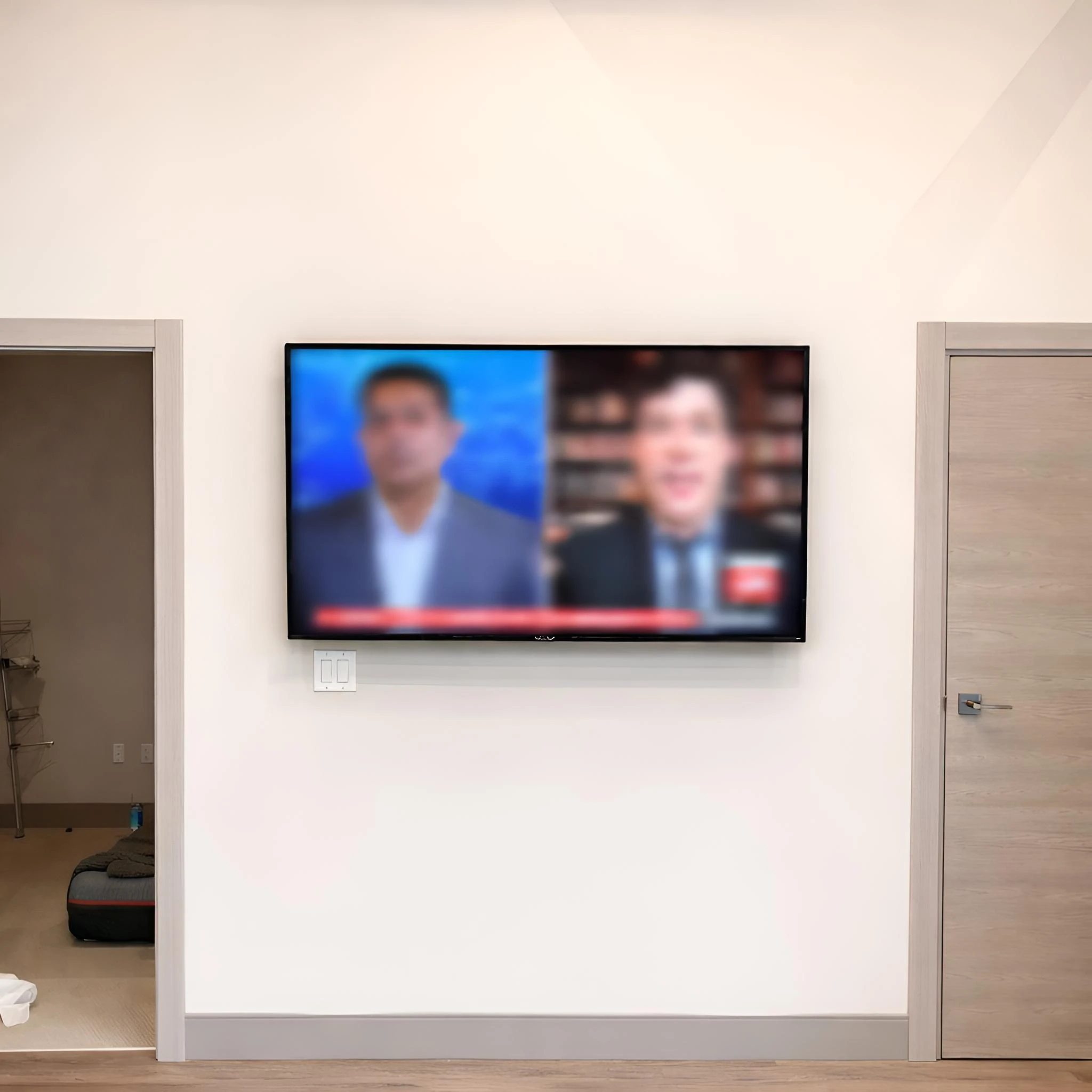
Wire Concealment And Power Planning
After people mount TV screens, the next question is usually what to do with the wires. A clean installation may need cable covers, in-wall cable routing, a relocated outlet, or a new outlet behind the TV.
Important note: power cords should not be hidden inside the wall unless the setup uses code-appropriate materials and methods. Low-voltage cables and power wiring are not handled the same way.
Common wire finishing options include:
- External paintable cable covers
- In-wall rated cable management kits
- Outlet placement behind the TV
- Soundbar and device cable planning
- Media box or streaming device placement
- One Connect Box planning for Frame TV setups
If the finished look matters, review wire concealment before the TV is mounted. It is easier to plan the cable path before the TV is already on the wall.
Common TV Mounting Mistakes
The most common problems are not always obvious until the TV is already mounted.
Mistakes to avoid
- Mounting too high for comfortable viewing
- Using the wrong screws on the back of the TV
- Missing the studs or structural support
- Using weak anchors for a large TV
- Choosing a mount that blocks ports
- Forgetting to plan power and HDMI access
- Not checking the mount’s weight and VESA limits
- Installing a full-motion mount without considering leverage
- Drilling into masonry, tile, or fireplace surfaces without the right tools
- Mounting above a fireplace without thinking about heat, height, and cable routing
A clean TV wall mount installation should be secure, level, centered, and planned around how the room is actually used.
When To Hire A Professional
DIY can be reasonable for a smaller TV, a simple fixed mount, clear wood studs, easy outlet access, and a basic cable plan. But some projects are better handled by a professional.
Consider hiring a professional if:
- The TV is large or heavy
- The wall is brick, concrete, stone, tile, or metal stud
- The TV is going above a fireplace
- You want hidden wires or a new outlet behind the TV
- You are using a full-motion or pull-down mount
- The TV is expensive or difficult to replace
- You need multiple TVs installed
- The project is for an office, restaurant, school, or commercial space
For businesses, display placement, safety, cable routing, and repeatability matter even more. Artesoft also provides commercial TV installation for offices, schools, restaurants, and workspaces.
Prefer a clean professional setup?
Artesoft can review your wall type, TV size, mount, wire concealment goals, and room layout before scheduling.Request TV Mounting Help
Mount TV FAQ
Can I mount a TV myself?
Yes, if the TV is manageable, the wall structure is clear, the mount is compatible, and you are comfortable drilling into the correct support. Hire a professional if the TV is large, the wall is difficult, or you want a cleaner wire plan.
What is the safest way to mount a TV on drywall?
The safest approach is usually attaching the mount to wood studs or verified structural support using the hardware recommended by the mount manufacturer. Drywall anchors alone are not suitable for many TV mounting projects.
How high should I mount TV screens?
For most living rooms, the center of the TV should be close to seated eye level. Bedrooms, fireplace installations, and commercial spaces may need different height planning.
Can you mount a TV above a fireplace?
Yes, but the project needs extra planning around height, heat, wall material, mantel depth, outlet location, and cable routing. A pull-down or tilt mount may be worth considering depending on the room.
Should wires be hidden before or after the TV is mounted?
Wire concealment should be planned before the TV is mounted. It affects outlet placement, device location, cable length, and the finished look.
What type of TV mount should I use?
Use a fixed mount for the closest wall profile, a tilt mount for higher placements, a full-motion mount for flexible viewing angles, and a specialty mount for fireplaces, ceiling installations, or Frame TV setups.
Final Thoughts
To mount TV screens well, plan the project before drilling. Confirm the mount, wall type, TV height, fasteners, cable path, power location, and viewing angle. A careful plan helps avoid crooked placement, visible wires, blocked ports, unsafe support, and unnecessary wall damage.
If you want a clean finished setup, Artesoft provides TV mounting service across Virginia, Maryland, and Washington, DC, including wall mounting, fireplace TV mounting, wire concealment planning, Samsung Frame TV setup, and commercial display installation.
Ready to plan your TV mounting project?
Share your TV size, wall type, mount details, and wire concealment goals so Artesoft can help review the setup.Get TV Mounting Service