

Installing a Samsung Frame TV is different from mounting a regular flat-screen TV. The finished result depends on the wall location, the Slim Fit wall mount, the One Connect Box location, the power plan, and how cleanly the cable path is handled.
This guide walks through the main steps so you can understand what the installation requires before you start. If you want the clean art-style look without visible wires, Artesoft also provides professional Samsung Frame TV installation for homes and businesses across the DMV area.
Want the clean Frame TV look without visible wires?
If you want help with placement, wire planning, a recessed media box, or One Connect Box setup, Artesoft can handle the installation.
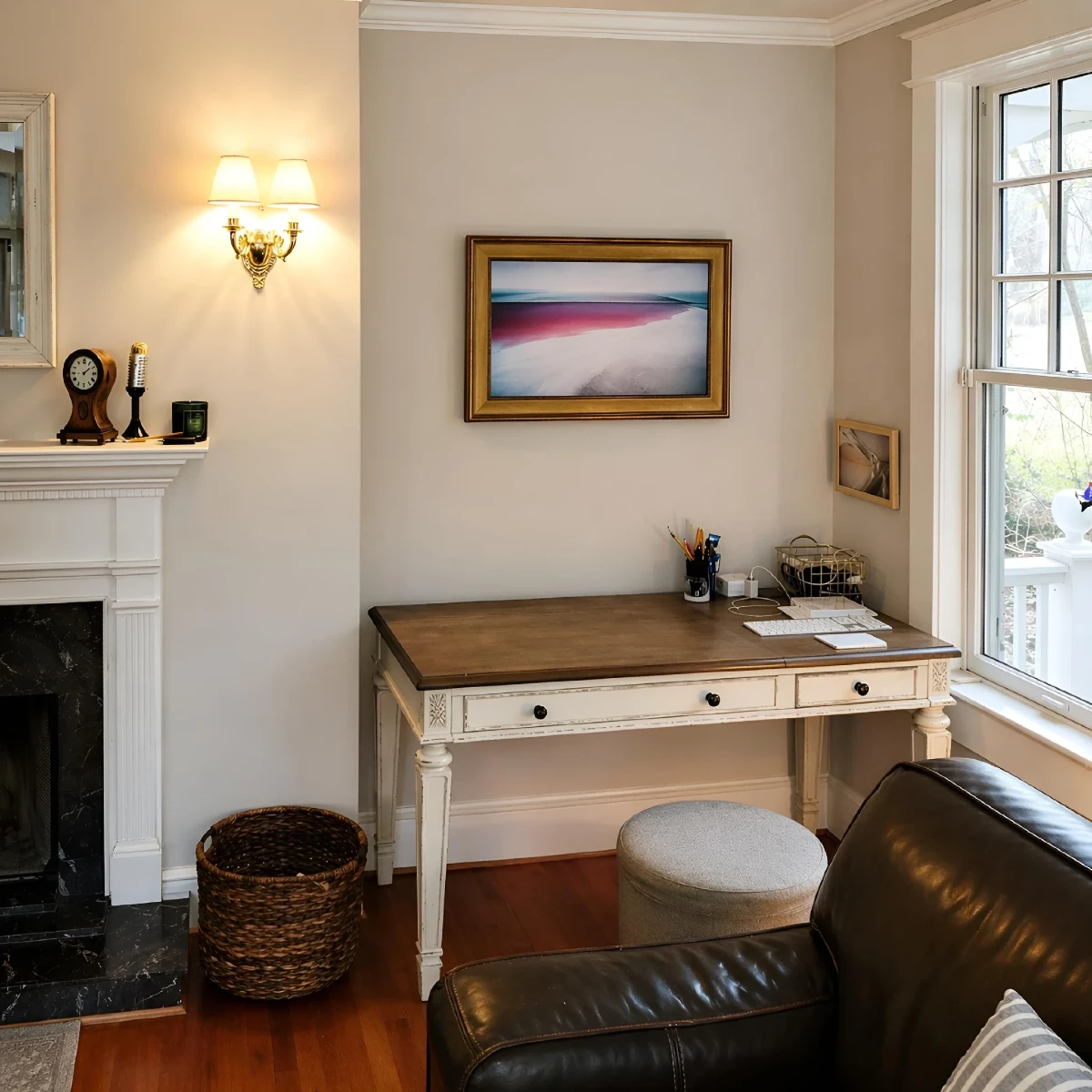
What Makes A Samsung Frame TV Different?
Samsung The Frame is designed to look more like framed artwork than a standard television. That means small installation details matter more. If the TV is too high, slightly uneven, mounted away from the wall, or connected with visible wires, the final setup can lose the gallery-style effect.
The biggest planning difference is the One Connect Box. Instead of plugging every device directly into the back of the TV, many Samsung Frame TV models use a separate box for power, HDMI devices, and other connections. The thin cable between the TV and the box needs to be planned carefully before the TV goes on the wall.
Before You Start
Review your Samsung model, included mounting hardware, wall type, and room layout before cutting, drilling, or mounting anything. Some Frame TV setups are simple. Others require outlet planning, recessed media box placement, masonry anchors, fireplace-wall planning, or code-compliant wire concealment.
Before You Start Checklist
- Confirm the TV size and Samsung Frame TV model
- Check that you have the included Samsung wall mount parts
- Identify the wall type and stud locations
- Decide where the One Connect Box will sit
- Confirm whether power needs to move behind the TV
- Plan whether cables need to be concealed inside the wall
- Confirm the viewing height works with the furniture and room layout
Step 1: Choose The Wall Location
Start by choosing the wall location and final viewing height. A Samsung Frame TV usually looks best when it feels intentionally placed in the room, not simply centered wherever studs are easiest to reach.
Check the wall for:
- Stud placement
- Obstructions behind the wall
- Nearby power access
- Glare from windows or lighting
- Furniture height and viewing angle
- Space for art-mode presentation
For a cleaner result, plan the TV position, outlet location, and One Connect Box location together. Treat them as one installation, not separate decisions.
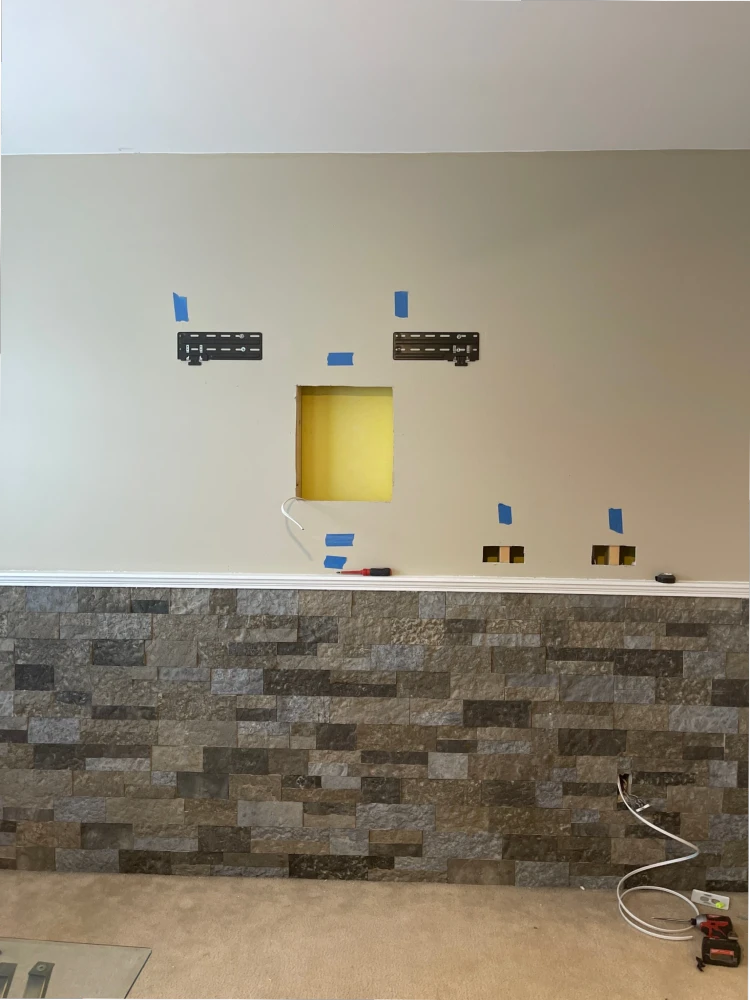
Step 2: Plan The One Connect Box Location
The One Connect Box needs a practical home. It may go in a media cabinet, on a console, inside a recessed media box, or in another accessible location depending on the room.
The box should not be treated as an afterthought. It affects the cable route, power access, device connections, and future service access. If you want the box hidden behind the TV or inside the wall area, the setup needs to be planned carefully.
This is one of the main reasons many homeowners choose a Samsung Frame TV installation service. The recessed box, outlet, and cable path need to work together so the finished wall still looks clean.
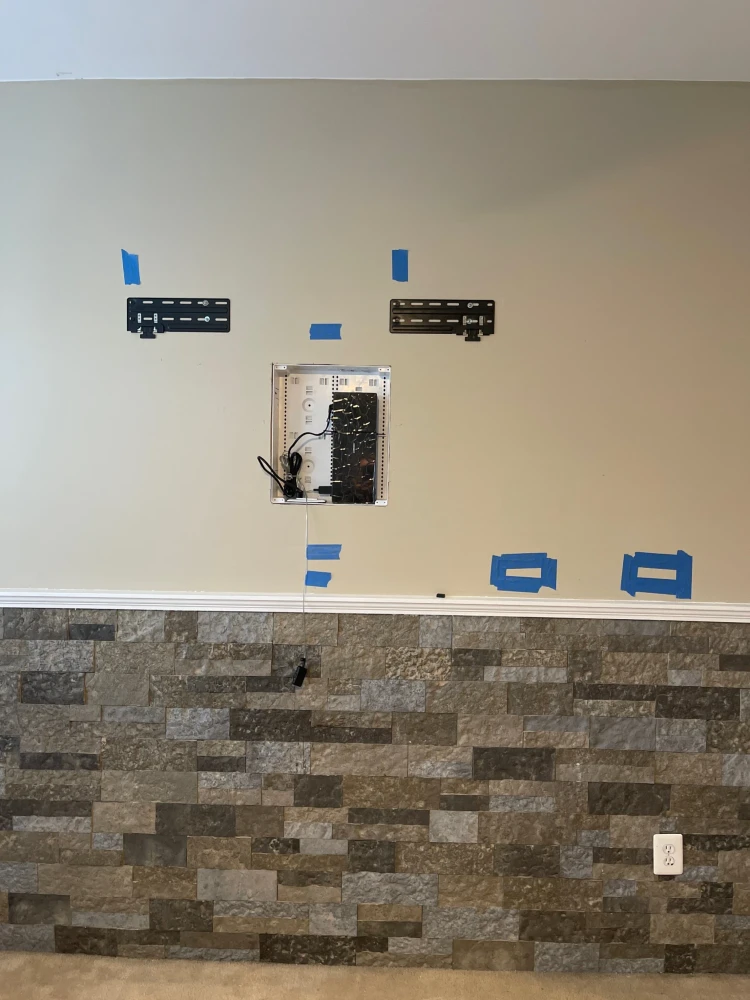
Step 3: Plan Power And Cable Concealment
A Frame TV installation often looks best when the power and connection cable are hidden. That is where wire concealment planning matters. However, power cables should not simply be run through the wall unless the setup is designed for that use and follows local electrical requirements.
Common options include:
- Adding or relocating an outlet behind the TV
- Using a recessed media box
- Routing low-voltage cables through an approved wall path
- Keeping the One Connect Box in a nearby cabinet
- Using surface concealment only when in-wall work is not practical
If the project involves new power, recessed boxes, fireplace walls, or uncertain wall conditions, professional help is usually the safer route.
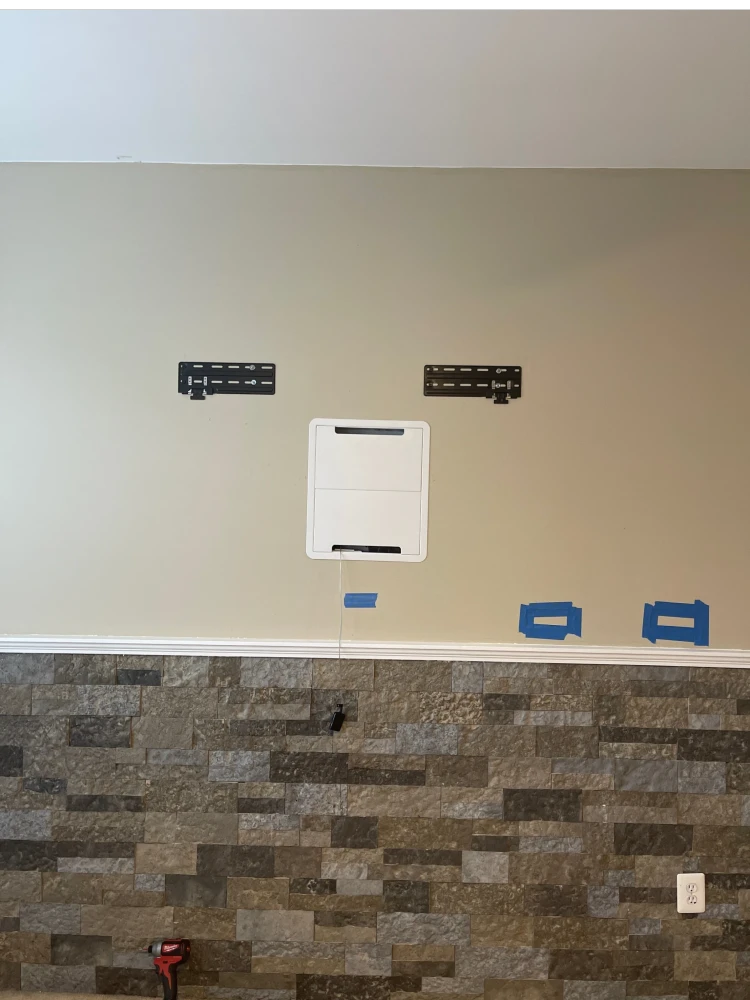
Step 4: Install The Slim Fit Wall Mount
Samsung Frame TVs usually use a low-profile mount designed to keep the TV close to the wall. Follow the instructions for your exact model because hardware, spacing, and bracket layout can vary.
In general, the mount needs to be:
- Level
- Secured to the correct structure
- Matched to the TV size and weight
- Positioned to support the planned cable path
- Installed with the correct fasteners for the wall type
Drywall alone is usually not enough for a secure TV mount. A professional TV mounting service can confirm the wall structure, fastener choice, and mount placement before the TV goes up. Whenever possible, fasten the mount into studs or use hardware appropriate for the wall material and TV weight.
Step 5: Hang, Level, And Test The TV
Once the mount is secure and the cable path is ready, the TV can be placed on the wall mount. This step is easier with two people because Frame TVs are large, thin, and awkward to handle safely.
After Installation Checklist
- Confirm the TV is fully seated on the mount
- Check that the screen is level
- Connect and test the One Connect Box
- Verify HDMI devices and streaming apps
- Confirm Art Mode works correctly
- Check that cables are not pinched
- Review the final wall appearance from normal viewing positions
Small alignment issues are easier to correct before the area is fully cleaned up and furniture is moved back into place.
When To Hire A Professional
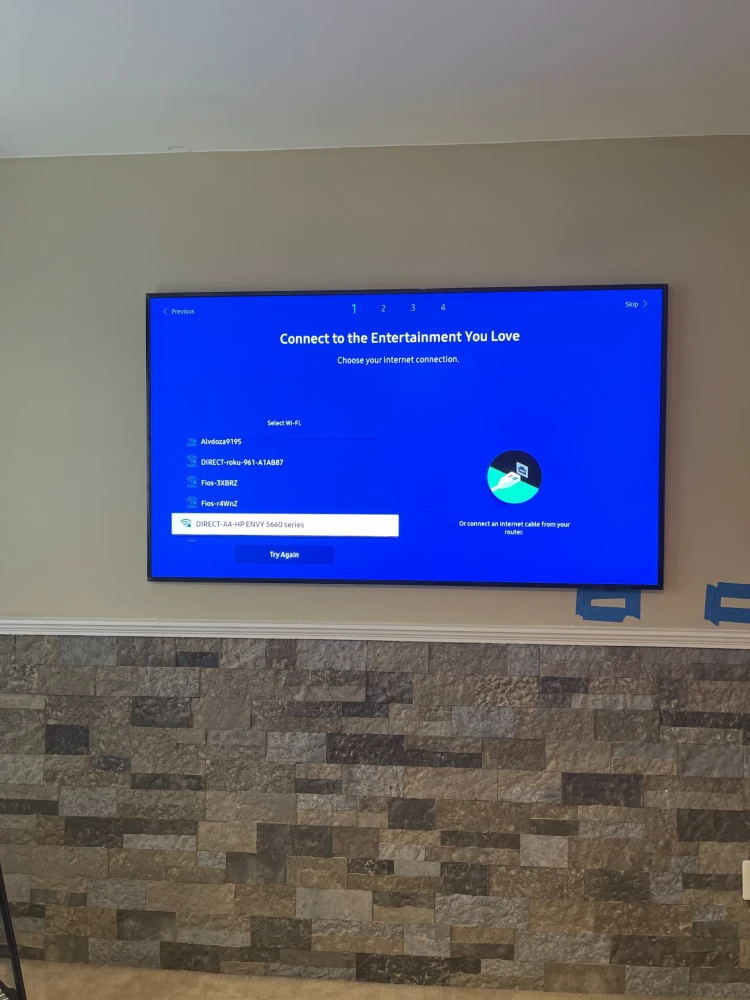
Some Samsung Frame TV installs are manageable as DIY projects, especially when the wall is simple, the outlet is already in the right place, and the One Connect Box can sit on a console below the TV.
You should consider a professional Frame TV mounting service if:
- You want the One Connect Box hidden
- You want a recessed media box
- You need clean wire concealment
- The TV is going above a fireplace and needs proper TV over fireplace installation planning
- The wall is brick, stone, tile, or masonry
- The stud layout is not ideal
- You need a new outlet or power moved
- The TV needs to sit very close to the wall
The more the TV is expected to look like artwork, the more the planning matters.
Samsung Frame TV Installation Examples
A clean Frame TV setup usually comes down to three things: placement, cable planning, and the finished wall view.
Examples of common projects include:
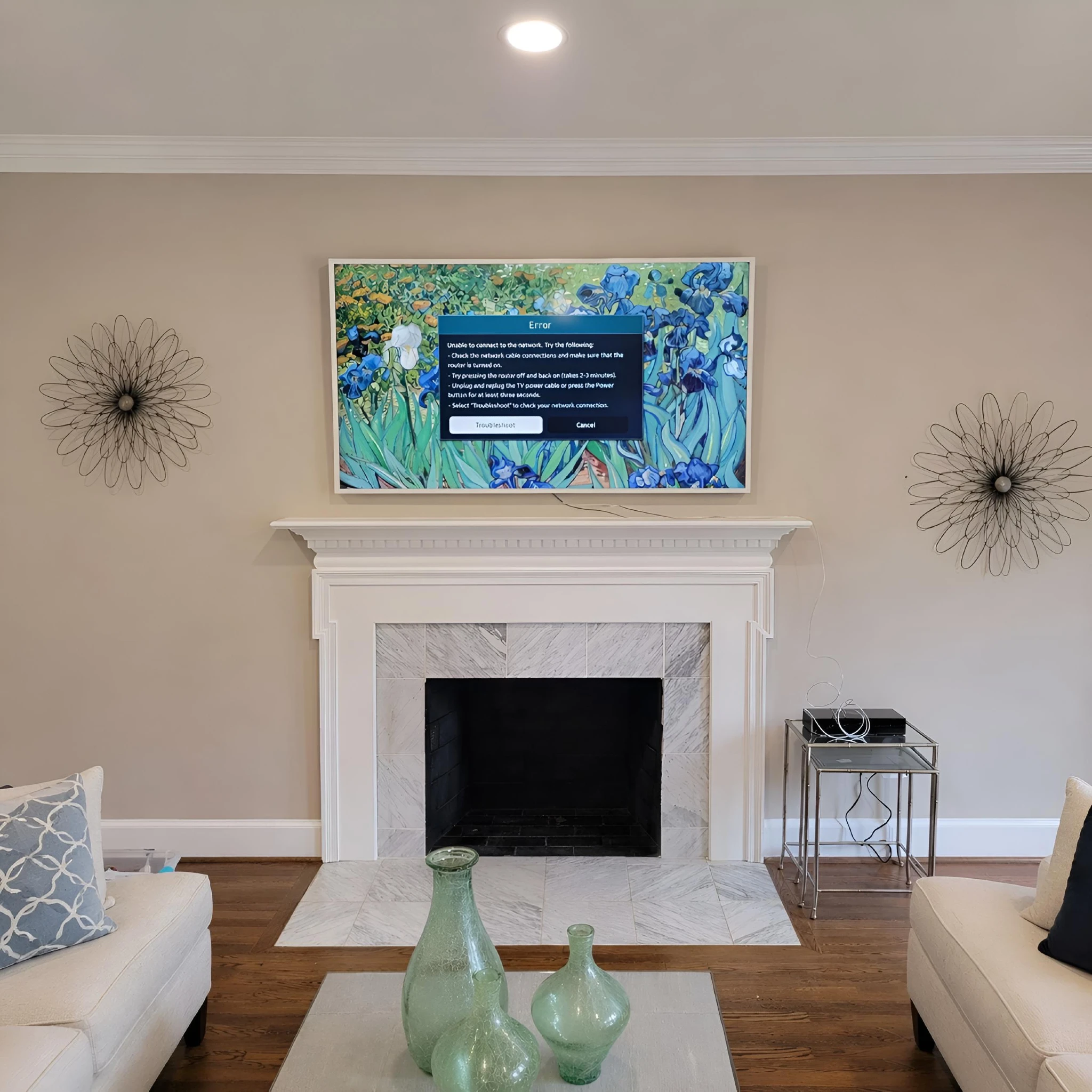
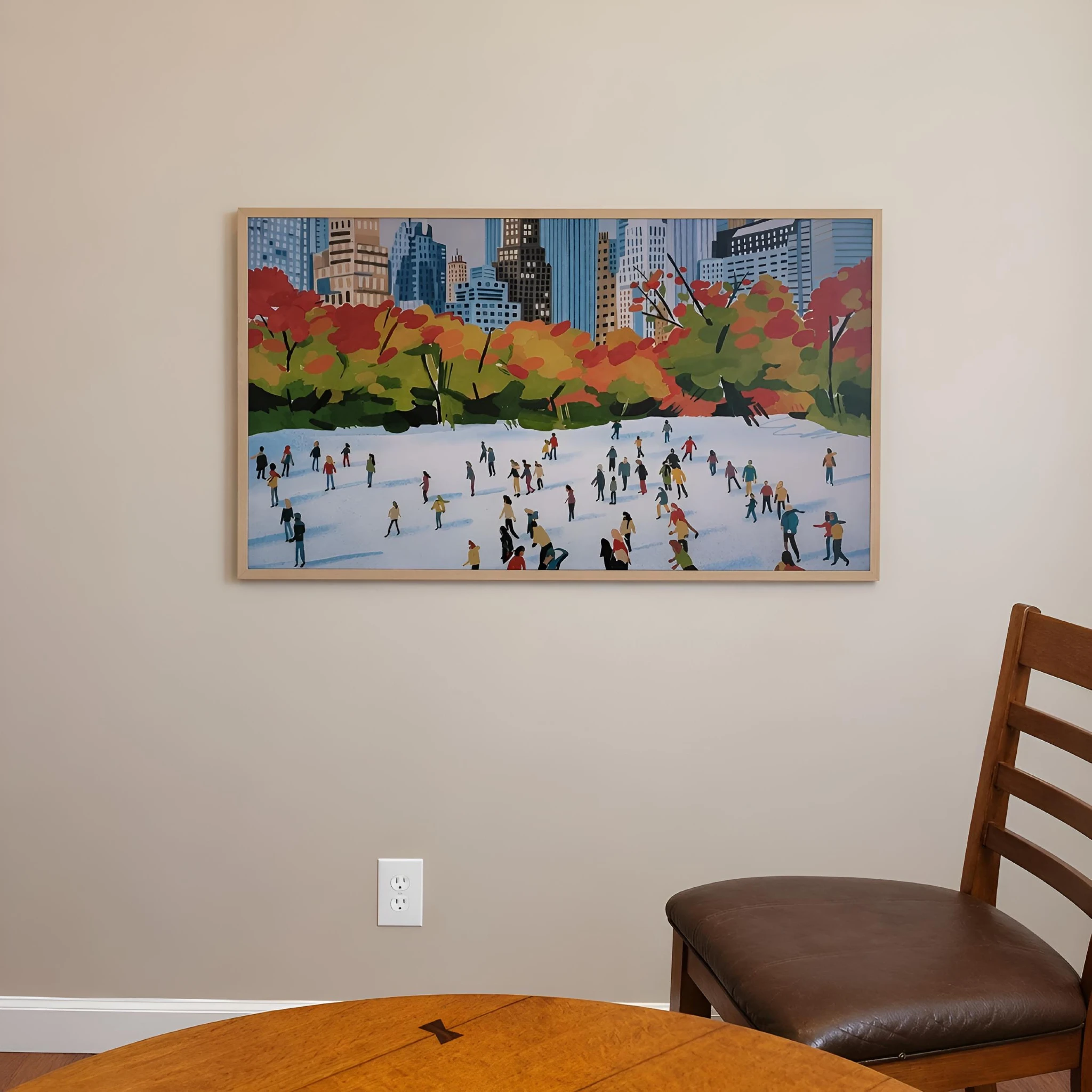
- Frame TV mounted above a fireplace
- Frame TV installed with hidden wires
- Frame TV mounted with a recessed media box
- Frame TV in a bedroom or office
- Frame TV installed as part of a gallery-style wall
- Frame TV connected to streaming devices or sound equipment
For service examples and a cleaner installation path, visit the Samsung Frame TV Installation service page.
Samsung Frame TV Installation FAQ
Can I install a Samsung Frame TV myself?
Yes, some homeowners can install a Samsung Frame TV themselves if the wall, power, and One Connect Box location are straightforward. The project becomes more complicated when wires need to be hidden, the box needs to be recessed, or the TV is going on a difficult wall surface.
Does a Samsung Frame TV mount flush to the wall?
Samsung Frame TVs are designed to sit close to the wall when installed with the correct mount and wall conditions. The final result depends on the mount, wall flatness, cable path, and whether anything behind the TV prevents it from sitting properly.
Where should the One Connect Box go?
The One Connect Box can go on a console, inside a cabinet, in a recessed media box, or another accessible location. It should be placed where it can connect cleanly to the TV and remain accessible for devices and service.
Can the One Connect cable go inside the wall?
That depends on the model, cable type, wall path, and local requirements. Do not assume every cable can be run inside the wall. When in doubt, review Samsung’s documentation for your model and use a professional installer.
Can a Samsung Frame TV go above a fireplace?
Yes, but fireplace installations need extra planning. Height, heat exposure, wall material, viewing angle, cable routing, and power access all matter. This is one of the situations where professional installation is usually worth considering.
Do I need a recessed box for a Samsung Frame TV?
Not always. A recessed box may help when you want the One Connect Box or connections hidden behind the TV, but the right solution depends on the model, wall depth, power location, and accessibility needs.
Final Thoughts
A Samsung Frame TV can look excellent when the installation is planned around the finished room, not just the bracket. Before you mount it, decide where the TV, One Connect Box, power, and cables will go.
Need help with a Samsung Frame TV installation?
Artesoft can help with placement, mounting, wire concealment, recessed media box planning, and One Connect Box setup.